wildgroei.haarlem
Draft for Thursday, 09:00
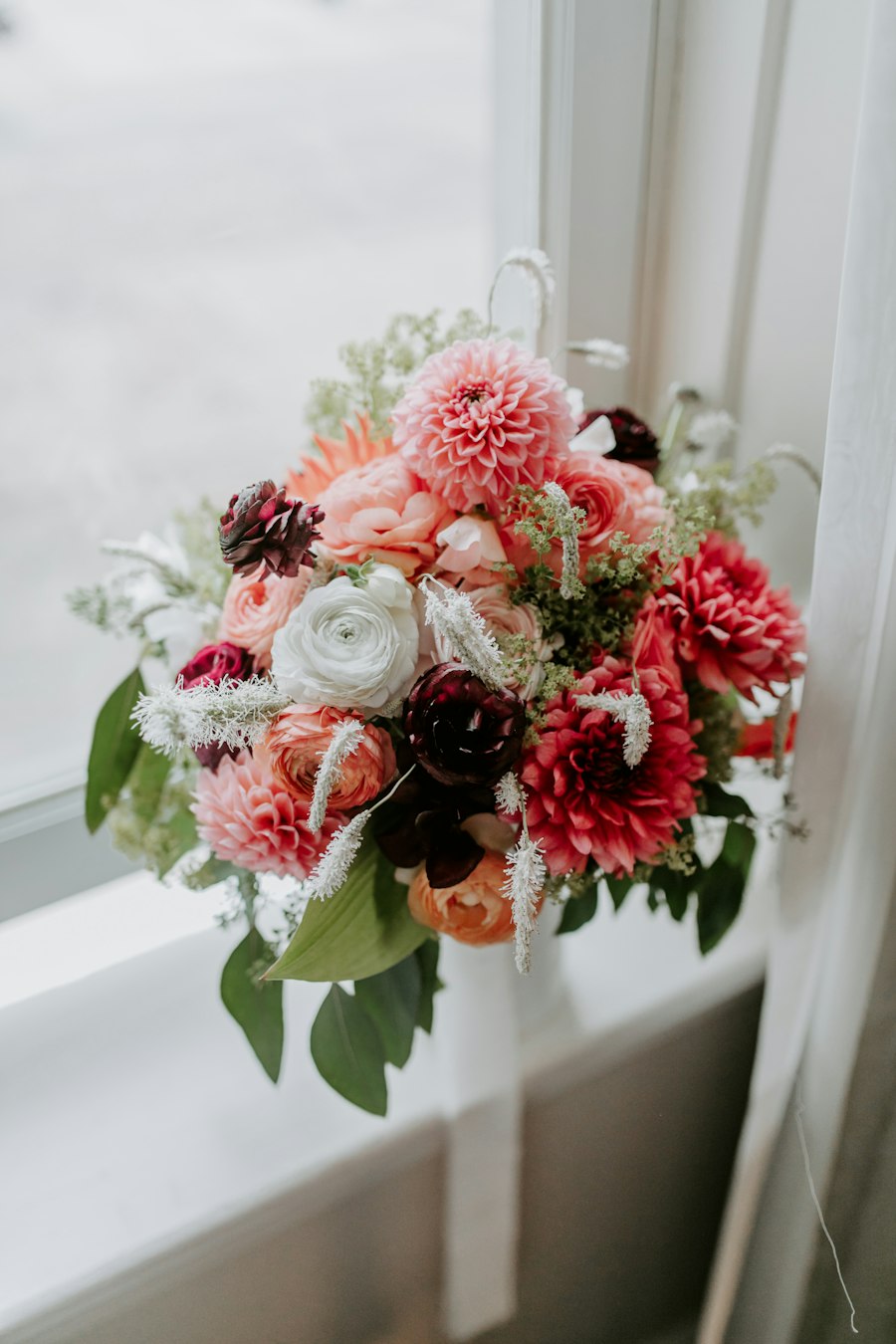
Mable is an app for flower shops that turns the photos on your phone into Instagram posts. Nothing goes up without your yes on WhatsApp.
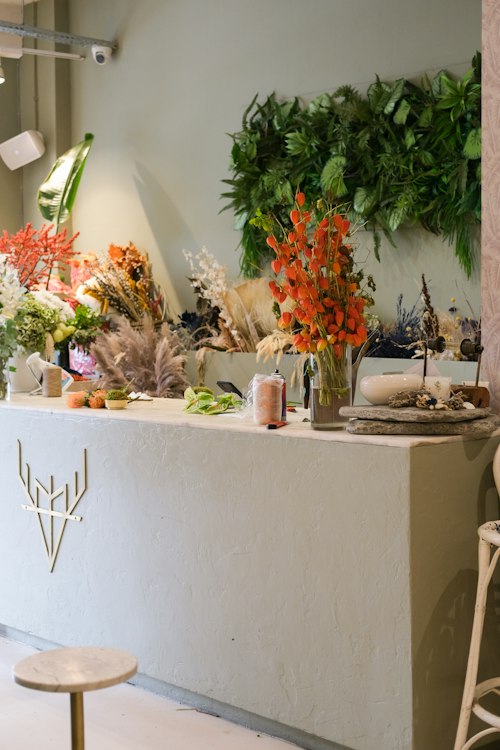
Give Mable access to your photos once. It checks where each one was taken and keeps only the shop: the buckets, the counter, the bouquets. Dinner out, the dog and the receipts stay private.
Photos taken anywhere else are left alone. How photo access works
A shot taken between two customers comes out crooked, a bit dark and too blue. We straighten it, fix the light and the white balance and crop it to 4:5, so the flowers look the colour they really are.
Drag across the photo, or try another one. We never add or change a flower.
Go through them at the counter, the way you would flick through a stack of cards. Every no is remembered, so next week’s drafts look more like the posts you would have made yourself.
Try it on the phone: swipe, or tap the buttons.
Warm, cheerful or plain. Pick the one that sounds like you. The caption changes, the facts stay: the flower, the price, when you are open.
Single photos, carousels, simple graphics and picture stories. Video comes later.
We keep an eye on the weather, the season and the days that matter to a florist, and time each post so it fits the day it goes up, often with last year’s photos. Pick a situation to see what we recommend.
Every post for the month sits in one calendar on your phone. Near the end of the month we ask on WhatsApp, and one tap plans the next one. Open any day to change the caption or replace the photo.
Your new week is ready before you open. Nothing goes up that you have not seen.
Most weeks your camera roll is enough. When it has had no flowers for a few days, you get one WhatsApp with a few tips. Take many: ten quick photos beat one careful one, because we pick the best.
October is planned. Shall I fill November?
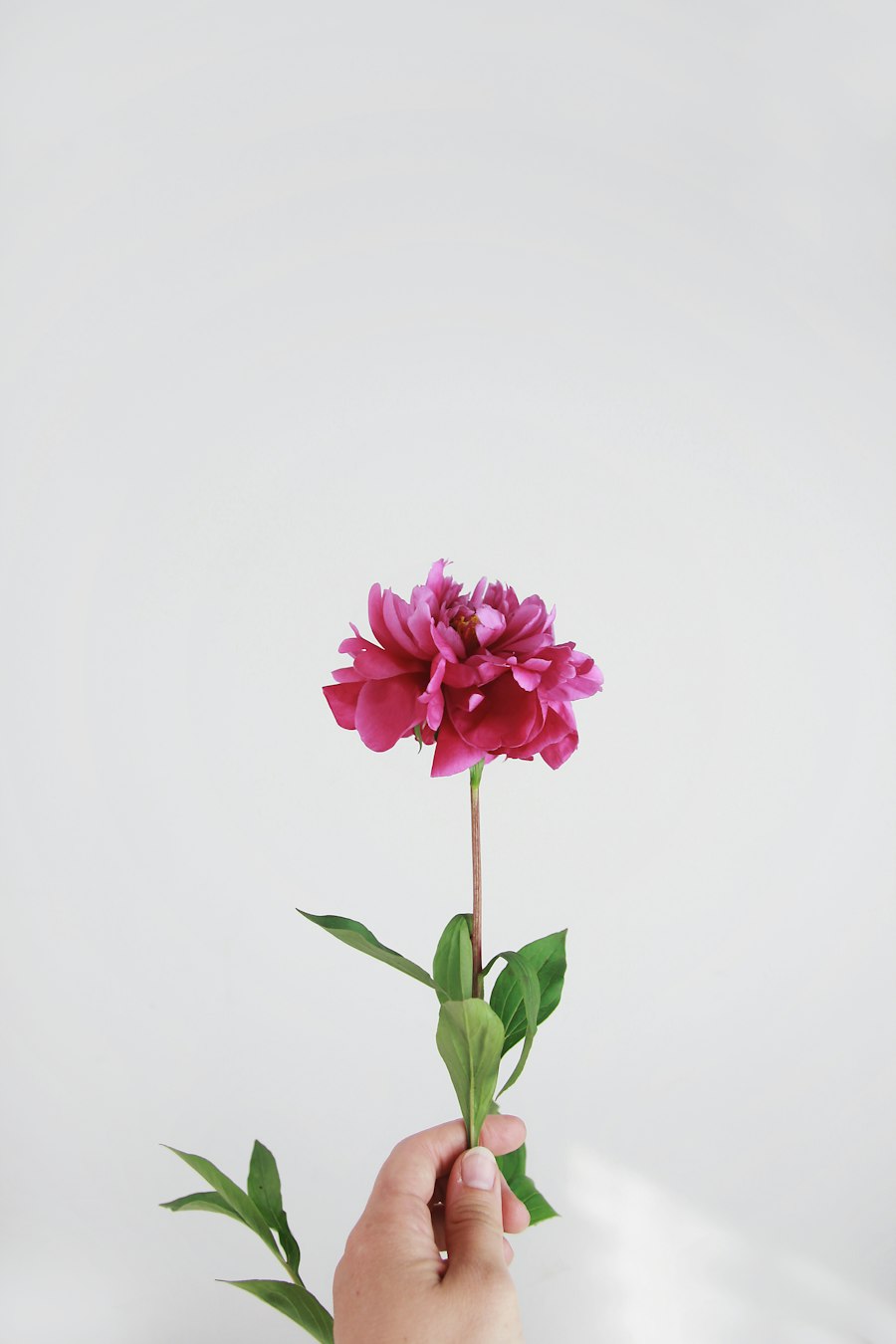
At the start we read your website and your Instagram: your colours, your tone, your opening hours and what you sell. So the first draft already sounds like you.
Say yes and it goes straight to Instagram. Already plan your posts in another tool? We can send them there instead.
Mable is not open yet. Leave your email address and your shop’s name, and we’ll email you as soon as you can start.
 flowers.We make the posts.